
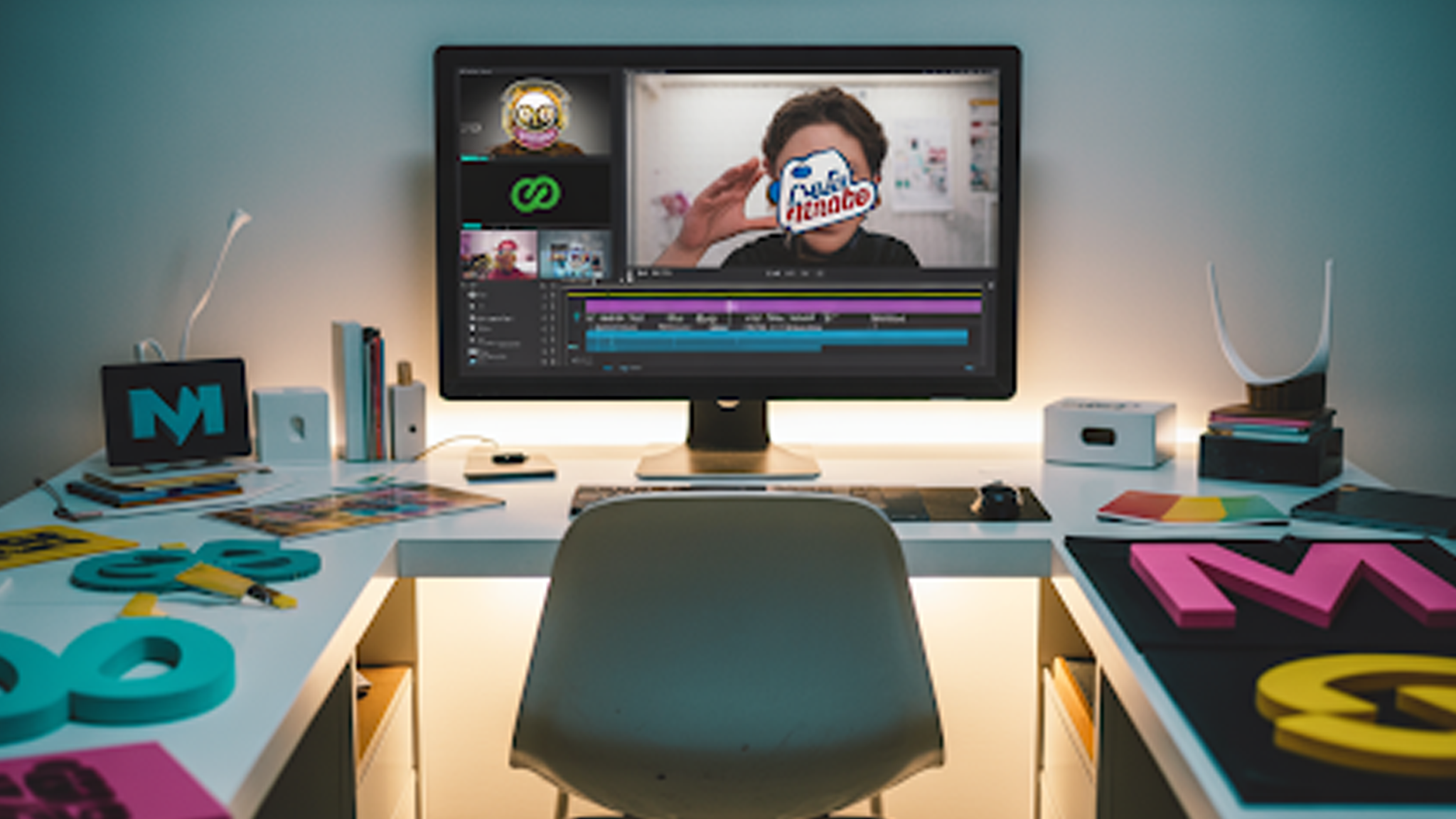
Your YouTube logo represents your channel. A static logo works, but an animated logo grabs attention. Motion draws viewers in, signals professionalism, and makes your brand memorable. Adding animation increases engagement and helps viewers remember your channel.
Animated logos also improve retention. A small movement in the first few seconds can reduce drop-offs. You don’t need complex software to get results. A few focused steps can turn your static logo into a polished animation.
How to Add Animated Logos to YouTube Videos: Quick Steps
Adding an animated logo is simple once you know the steps. The key is clarity and consistency. Keep it short, smooth, and readable.
- Prepare a clean static version of your logo. Make sure it scales well.
- Choose an animation style that matches your content. Options include subtle fades, slides, 3D spinning logos, or cartoon logos.
- Use software or online tools to animate. Keep motion smooth and professional.
- Export in MP4 or MOV with transparent background for overlays.
- Import into your video editor and place it as an intro, outro, or watermark.
You can do this yourself, or you can get help. animated-videos.local/ knows how to add animation to a video clip. We create polished animations that integrate seamlessly with your channel.
How to Make an Animated Logo for Your YouTube Channel
Start with a clear static logo. Keep shapes and text simple. Avoid clutter. Then bring it to life with motion that matches your channel style.
- Import your static logo into animation software like After Effects or Blender.
- Choose the motion: slide, fade, rotation, or spin.
- Adjust timing and smooth transitions. Keep animation short, ideally 3–5 seconds.
- Export with transparent background for overlays.
- Test in your video timeline and adjust placement or scale as needed.
Where to Place Animated Logos in Videos
Intro sequences are common. A 3–5 second logo at the start sets the stage. Outro sequences work too. End screens with an animated logo reinforce branding. Overlay logos in corners subtly without distracting from content.
Placement is strategic. Position the logo where it naturally fits the video flow. Don’t force it into the middle of critical action. Proper placement keeps the animation noticeable but unobtrusive.
What Makes a Logo Effective on YouTube
Consistency is key. Your animated logo should reflect your channel’s style, color palette, and voice. Use readable text, balanced shapes, and proportionate motion. Short animations work best. Anything over 5 seconds risks losing attention.
Motion should enhance, not overwhelm. Viewers remember fluid transitions, not chaotic bursts of effects. A well-timed fade or subtle bounce can increase professionalism. A logo that aligns visually with your content reinforces identity across every video.
How Animated Logos Improve Click-Through and Subscribers
Animated logos make thumbnails and intros memorable. Viewers subconsciously recall movement. This creates familiarity when browsing your channel or suggested content. Familiarity increases trust. Trusted channels gain subscribers faster.
Consistency across all videos strengthens this effect. Whether you use a 3D spinning logo or subtle fade-in logo, repetition reinforces recognition.
How to Choose the Right Animated Logo Style
Consider content type. Serious tutorials benefit from simple, elegant logos. Gaming channels can experiment with bright colors and cartoon logo design ideas. Tech reviews may prefer metallic or sleek 3D effects.
Evaluate audience demographics. Younger audiences respond to playful animation. Older audiences prefer minimal movement.
The goal is instant recognition and brand association, not flashy distraction. Combine style with consistent branding across thumbnails, banners, and video overlays.
Common Mistakes in Animated Logo Usage
Too long animations kill pacing. Overcomplicated motion distracts. Using inconsistent color or style creates confusion. Poor placement covers important content. Avoid heavy shadows or flashy effects.
Use subtle, consistent, and repeatable movements. Focus on enhancing brand recall. Make every frame purposeful. Even minor tweaks, like slowing rotation or adjusting opacity, improve viewer perception.
Why You Should Use animated-videos.local/ for Your YouTube Logo
Creating a professional animated logo is a skill. It requires design, animation, and platform knowledge.
animated-videos.local/ specializes in turning static logos into high-quality motion assets. We deliver the best animated logo styles for YouTube, 3D rotations, and cartoon logo for YouTube designs.
Our team ensures the logo integrates with your video style, audience expectations, and branding strategy. Channels that use their service see higher retention, stronger brand recall, and a polished professional look.
FAQs
[sp_easyaccordion id=”7447″]
Final Thoughts
Animated logos are small investments with large returns. They increase engagement, improve brand recognition, and make your channel feel professional. Whether you choose subtle motion or a 3D spinning logo, consistency matters.
Channels that integrate animated logos thoughtfully, track performance, and maintain uniformity across videos see measurable growth. A well-crafted animated logo is more than decoration. It is an essential tool for recognition, trust, and retention.