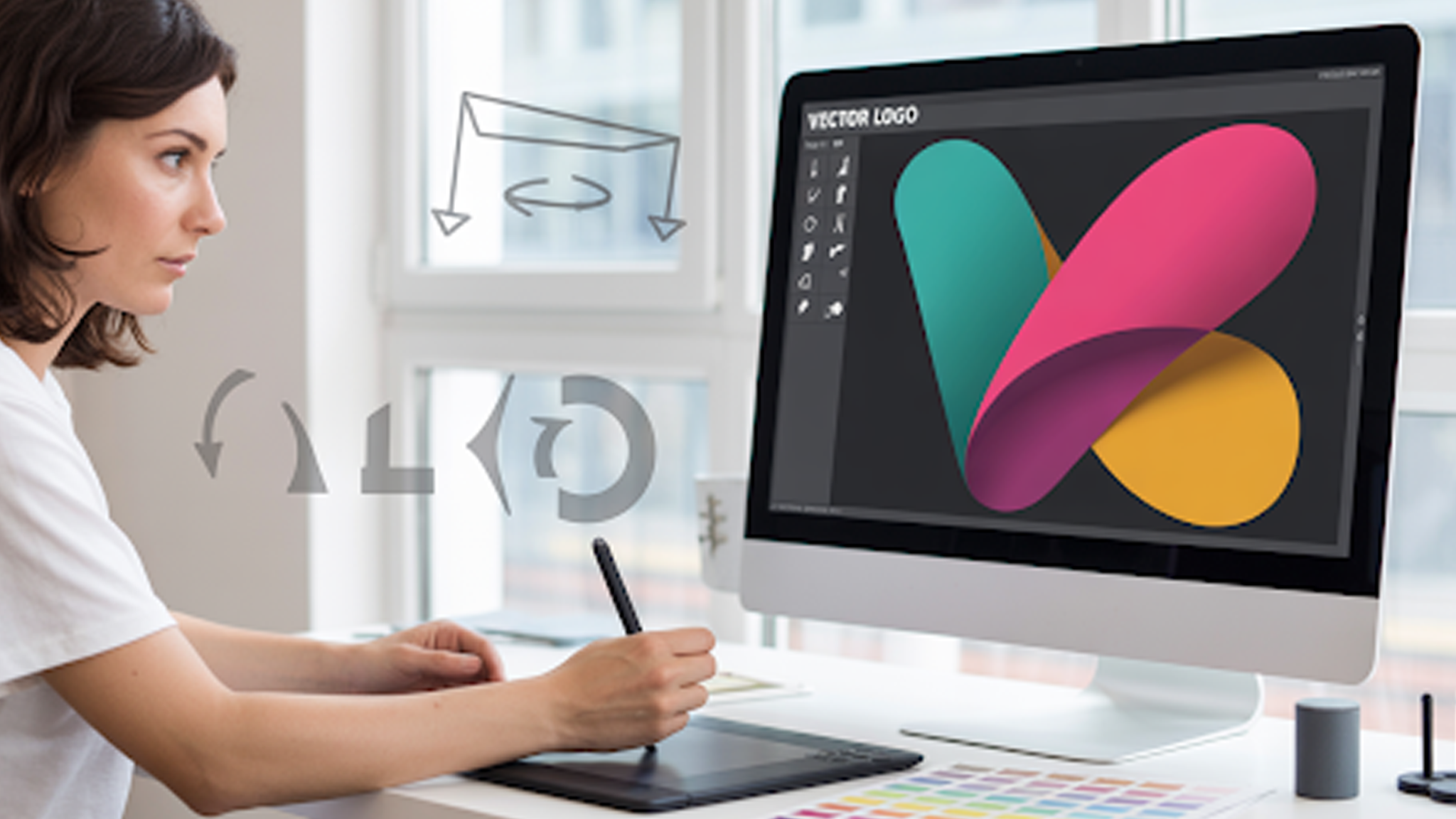
A logo is often the first mark of trust between you and your customers. It carries your brand’s voice in a single visual. Before that logo moves into motion, it needs to be sharp, balanced, and ready. Animation can elevate it, but poor preparation will show through every frame.
Editing your logo before animation is the step that separates a polished result from a distracting one.
This guide breaks down the process clearly. It shows why editing matters, how to do it, and what details shape a logo that looks professional in motion.
Why a Logo Must Be Edited Before Animation
Logos that go straight into animation without edits tend to look messy. Edges blur, spacing feels uneven, and scaling becomes awkward. A static logo can hide flaws that movement will expose. Once a logo rotates, expands, or fades, every imbalance stands out.
Animation requires clean layers, consistent colors, and vector-based shapes. Without editing, a logo may lack these essentials. Adobe and Canva report that over 70 percent of small businesses use logos pulled from quick templates. Most are not optimized for motion.
This is where professional editing makes the difference. At animated-videos.local/, we know how to edit logos and prepare logos specifically for animation. Our team converts files to vectors, cleans shapes, balances colors, and organizes layers so the logo is ready for smooth motion.
By starting with a logo that has been properly edited, the animation looks sharper, scales better, and feels consistent with your brand identity.
How to Edit a Logo for Animation: Step by Step Guide
The editing process is simple when broken into steps. Each step matters because the final animation depends on clean foundations.
1. Convert the Logo to a Vector Format
Animation tools need flexibility. A vector file allows scaling without quality loss. It also makes separating layers easier. Formats like SVG, EPS, and AI work best. Raster files like JPG or PNG often lose clarity when stretched.
Converting to vector also unlocks 3D and rotation effects. If you plan to add rotation effects in 3D logo designs, a vector foundation is non-negotiable.
2. Clean the Shapes and Lines
Every shape in a logo must be precise. Extra anchor points or rough curves can make animation stutter. Use software like Adobe Illustrator or Affinity Designer to smooth paths. Pay attention to corners, thickness, and proportion.
Even tiny details matter. A cartoon logo design with exaggerated shapes looks engaging when still, but in motion, stray edges or uneven outlines become distracting. Cleaning shapes ensures the movement feels natural.
3. Simplify the Color Palette
Animation thrives on clarity. A logo with too many shades can look noisy. Limit the palette to three or four strong colors. Use consistent hex codes across all files. This keeps transitions clean when parts of the logo move, fade, or overlap.
Brands like Spotify or Nike keep colors minimal for this reason. The less clutter in static form, the smoother it feels in animation.
4. Separate Layers for Each Element
Every moving part should sit on its own layer. For example, a wordmark and an icon should not be grouped. Animation tools like After Effects or Blender treat each layer as an independent piece. Without separation, you lose flexibility in motion.
Layer separation is also key when creating effects like a 3D spinning logo, where depth and motion rely on individual components.
5. Test Readability in Different Sizes
A logo that looks sharp on a laptop might collapse on a phone screen. Animation often involves scaling up and down. Test the logo at small and large sizes. Adjust line weight or spacing so it remains legible in both states.
6. Export in Compatible Formats
Animation tools often work best with SVG, AI, or PSD files. Keep high-resolution exports ready. Store versions with transparent backgrounds for flexibility. This makes it easier to apply backgrounds, overlays, or effects later.
What Tools Can Help With Logo Editing
You do not need to be a professional designer to prep a logo. Several tools make editing more accessible.
- Adobe Illustrator: Industry standard for vector editing.
- Affinity Designer: Lower-cost alternative with similar precision.
- Figma: Useful for simple edits and collaboration.
- Canva Pro: Offers quick adjustments and vector exports.
- AI-powered 3D logo makers: Emerging tools that help generate motion-ready designs faster, though they still require fine-tuning for professional use.
For business owners without design skills, these tools shorten the learning curve. But even with tools, there’s still value in expert handling when animation is the goal.
Common Mistakes When Editing a Logo
Many logos lose impact in animation because of simple errors. Avoid these pitfalls:
- Too much detail. Thin lines and heavy textures rarely translate well in motion.
- Poor contrast. Colors that look similar blur during fades.
- Grouped layers. Without separation, animation becomes rigid.
- Overly complex shapes. Intricate icons look cluttered when moving.
- Ignoring scalability. Logos break down when tested across devices.
Good editing strips away weaknesses while protecting identity.
How Animation Elevates a Polished Logo
Once editing is complete, animation brings depth. A clean logo can spin, rotate, stretch, or morph without breaking. This makes the brand feel modern and engaging.
Animated logos also boost recall. A study from Renderforest found that animated logos increase brand recognition by 75 percent compared to static ones. The movement adds a layer of memorability.
Businesses use animation across digital platforms. From website headers to ad intros, a logo that moves creates impact. With social video rising as the main marketing channel, a static logo feels flat. Animation makes it stand out in feeds crowded with content.
Where to Use Your Animated Logo
A well-prepared logo can be animated for multiple platforms:
- Website headers and landing pages
- Social media ads and organic posts
- YouTube intros and outros
- App splash screens
- Email signatures and presentations
The same logo can shift between formats. A cartoon logo design for Instagram may carry playful animations, while the same logo on LinkedIn might use subtle fades for a professional tone.
Why Professional Help Makes a Difference
Editing and animating a logo is possible with DIY tools, but quality depends on expertise. Business owners often spend hours experimenting, only to end up with results that feel amateur.
A polished animated logo is not just about movement, but about timing, rhythm, and brand personality.
That’s where services like animated-videos.local/ come in. Our team handles logo editing and animation from start to finish. We prepare the files, clean up details, and design motion that matches your brand.
Whether it’s a 3D spinning logo for a product launch or subtle rotation effects for a corporate intro, we deliver results that feel professional.
How animated-videos.local/ Can Help You
When you bring your logo to animated-videos.local/, the process is straightforward.
- Logo Review: We check file quality and suggest edits if needed.
- Professional Editing: Our designers prepare the vector, layers, and palette.
- Animation Planning: We create a storyboard for how your logo should move.
- Execution: We animate with tools like After Effects and Blender.
- Delivery: You get multiple formats ready for web, ads, or presentations.
This end-to-end service saves you time and gives your brand a consistent, polished presence. Instead of fighting with software, you focus on running your business.
FAQs
[sp_easyaccordion id=”7467″]
Final Thoughts
Editing a logo before animation is not a minor step. It is the foundation of a result that feels sharp, memorable, and professional. A logo that is rushed into animation without proper cleanup loses credibility.
By converting to vectors, simplifying colors, cleaning shapes, and preparing layers, you set the stage for smooth motion. The difference shows instantly once the logo spins, rotates, or fades.
For business owners who want professional results without the learning curve, animated-videos.local/ is a partner that brings both editing and animation together. A strong animated logo is more than design. It is a signal of trust, creativity, and attention to detail.