A plain logo can go unnoticed. A spinning 3D logo, on the other hand, grabs attention before your message even starts. That one detail can set your brand apart.
A 3D spinning logo catches the eye, holds it for a second longer, and makes people remember your brand. If you’re trying to stand out in a busy feed or pitch your business in a quick video intro, that one spin can do the job.
This guide walks through everything you need to know, why spinning logos work, how to make one, and how to get one done right without wasting hours.
Why Brands Are Switching to 3D Logos
Flat logos are everywhere. They’ve become the default. But when everyone looks the same, there’s no edge. That’s where 3D logos come in.
They add depth, texture, and movement. They feel more alive. More real. More memorable.
A 3D spinning logo isn’t just about looking good. It helps:
- Increase viewer retention in video content
- Improve brand recall
- Make brand assets feel more premium
According to a recent Linearity survey, 48% of users are more likely to remember a moving 3D logo than a static 2D one.
And when paired with motion using a reliable 3D logo maker online or crafted by experts like AnimatedVideo.co, a spinning logo becomes more than just eye candy. It turns into lasting brand memory.
Step-by-Step: How to Make a Spinning 3D Logo
Creating a 3D spinning logo can be simple if you follow a clear path. Here’s a breakdown of the process.
1. Start with a Strong Logo Design
Before you spin anything, you need a logo worth spinning. If your brand doesn’t have one yet, try a 3D logo maker online. Make sure your base design is clean, scalable, and represents your brand.
2. Convert Your Logo into 3D
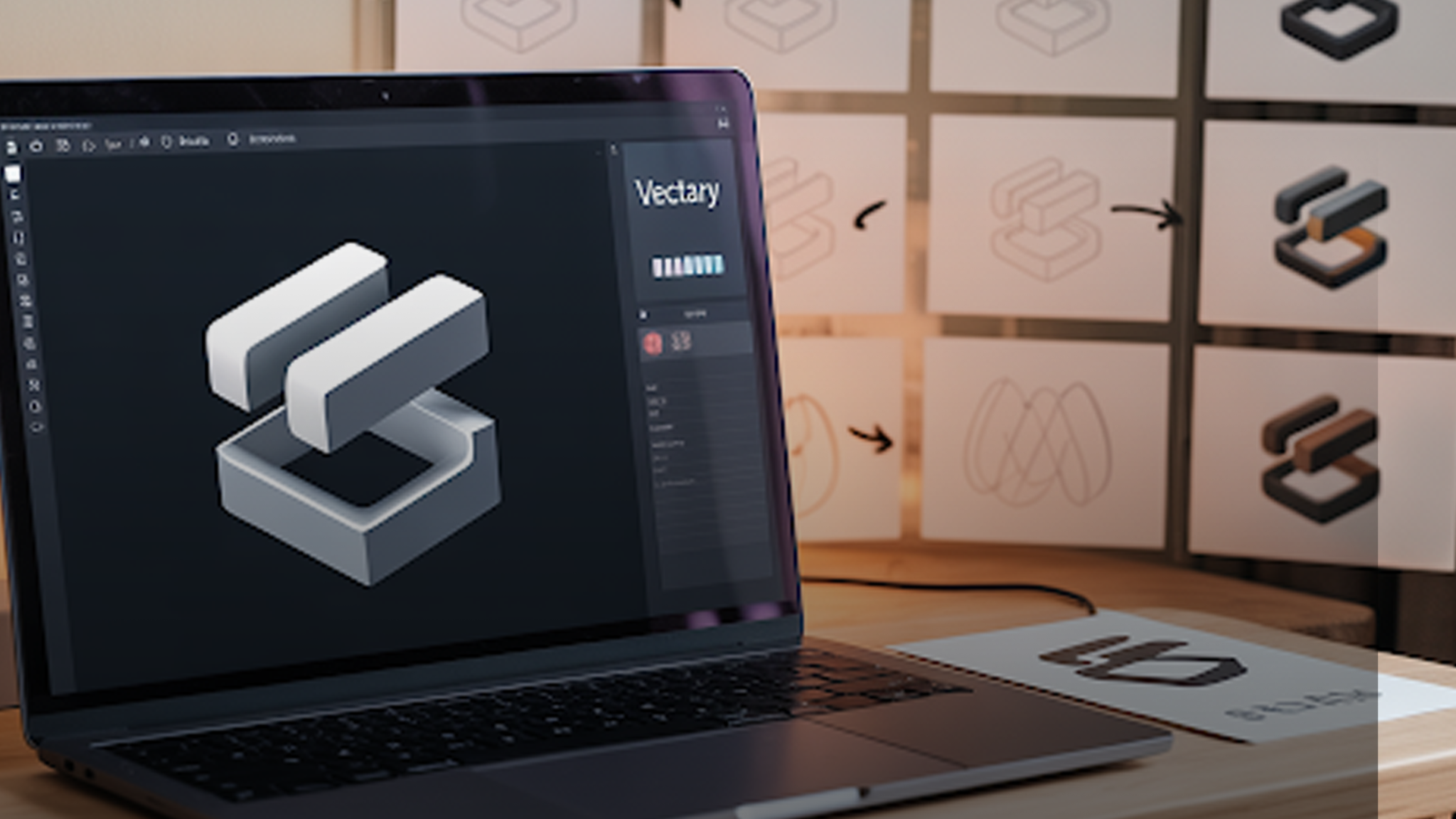
This is where flat becomes form. Use 3D tools like Blender, Adobe Dimension, or simpler browser-based platforms. A few tools that act as a reliable 3D title maker or 3D word maker include:
- Vectary
- Spline
- Tinkercad (for basic shapes)
Each tool lets you extrude your logo, play with lighting, and create volume. Keep materials minimal at first, then add shine or matte finishes later.
3. Add Motion: The Spin
Now comes the signature move. Use a 3D rotating text generator or animation tools to set your logo in motion. The common spin styles include:
- Y-axis rotation (horizontal spin)
- X-axis (vertical spin)
- Combined rotation for a more dynamic feel
Keep the rotation smooth. No one likes jerky movements. A 3D spinning text generator can simplify this step for beginners.
4. Export in the Right Format
Once it spins, make sure it can be used where it matters. Export your logo as:
- Transparent MP4 (for use in video content)
- GIF (for websites or emails)
- WebM (for faster site loading)
Try to keep sizes lightweight without losing clarity.
Common Tools That Make the Job Easier
Want to make logo spin without learning a new software from scratch? Use a spinning logo maker that’s beginner-friendly. Many online tools offer templates you can plug your logo into and animate it in seconds.
Some tools worth checking out:
- Renderforest (template-based)
- Animaker
- Offeo
- Crello
But for fully custom animations that don’t look like everyone else’s? That’s where a studio helps.
AnimatedVideo.co Makes It Easy to Look Like a Pro
If you’re serious about your brand visuals, shortcuts won’t cut it. That’s where AnimatedVideo.co comes in.
Whether you need a 3D studio logo, a looping animation for social posts, or a spinning intro for YouTube, our team handles everything, from modeling to lighting to export-ready formats.
You don’t have to learn Blender. You don’t have to figure out frame rates. You just get a high-quality 3D spinning logo that fits your brand and works everywhere.
And if you already have a logo and want to convert it? Our team can turn it into a clean 3D model logo in under 48 hours.
What Makes a Spinning Logo Stand Out
It’s not just the motion. A spinning logo stands out when:
- The spin is subtle, not dizzying
- Materials are realistic (matte, metallic, or glassy finishes)
- Lighting adds depth
- The animation fits your brand personality (fast for tech, calm for wellness, etc.)
It’s a small touch, but the right one makes people pause.
Where to Use Your 3D Spinning Logo
This isn’t just for show. A 3D spinning logo can be used across:
- YouTube intros
- Instagram reels
- Website headers
- Email signatures
- Digital ads
Anywhere your brand needs a professional pop.
And thanks to cloud-based tools, you can now design 3D logo formats once and use them everywhere. Some sites also let you make logo spin directly from your browser, no software needed.
3D Logos and SEO: The Hidden Advantage
People engage more with motion graphics. The longer users stay on a page, the better your chances at climbing search results.
Google picks up on these signals. So a lightweight, embedded 3D spinning logo can quietly boost time-on-site without much effort.
Pair this with an optimized online 3D logo for free tool on your homepage, and your bounce rate could drop.
Frequently Asked Questions
[sp_easyaccordion id=”7359″]
Final Thoughts:
You don’t need to reinvent your brand. You just need to give it movement.
A 3D spinning logo isn’t a gimmick. It’s a modern way to make your identity feel fresh, dynamic, and alive. Whether you’re launching a new product, refreshing your brand visuals, or just want to stand out in a crowded feed, a spinning logo gets you there.
Use a free 3D logo creator, try a few tools, or skip the hassle and let the experts at AnimatedVideo.co create something that actually gets noticed.