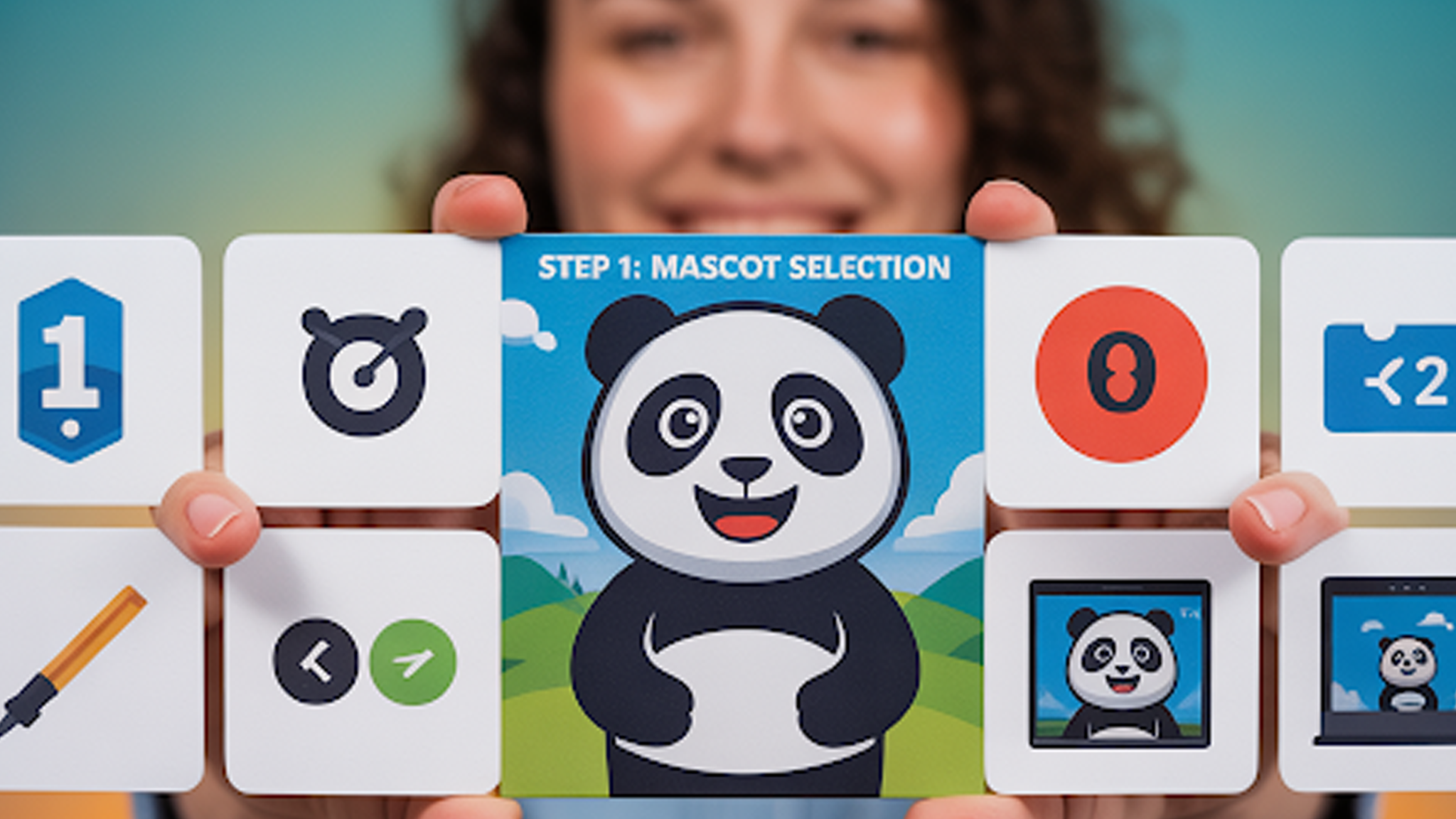
Cartoon logos boost brand recall by making your identity friendly and memorable. They suit food brands, YouTube creators, kids’ products, and gaming channels. These logos convey personality instantly. A well-crafted cartoon logo balances approachability with professionalism.
Many businesses skip this step. They assume custom cartoon logos are costly and complicated. That is outdated. Free tools now let you design quality cartoon logos without upfront fees. With the right platform and design know-how, your logo can look polished and unique.
This guide highlights the best free cartoon logo makers. It explains when to partner with experts like animated-videos.local/. We specialize in cartoon logo design, custom cartoon logos, and animated brand mascots. These services take your identity beyond static images.
Why Cartoon Logos Work for Brand Recognition
A cartoon logo is more memorable because it adds character. Literally. Instead of a flat symbol, you have an illustrated personality linked to your product or service. This works especially well in markets where emotion drives purchasing.
A study from the Journal of Marketing Research found that anthropomorphic brand designs can increase customer connection by up to 20 percent. This is why brands from Kellogg’s to Twitch use illustrated mascots or cartoon-like marks.

You can also adapt cartoon logos to different mediums. They work on packaging, merchandise, app icons, and video intros. With the right file formats, you can even turn your static logo into motion graphics, such as a spinning 3D logo for online videos.
animated-videos.local/ brings your cartoon logo to life with custom designs and smooth animations. We turn simple logos into memorable brand mascots that stand out across all platforms.
Key Qualities of a Good Cartoon Logo
Free tools will give you templates, but templates only get you so far. Before you start, keep these qualities in mind.
- Simplicity: Avoid overly detailed designs that lose clarity at small sizes.
- Consistency: Use the same color palette and style across all brand materials.
- Scalability: Make sure your logo works in both large banners and small social icons.
- Memorable character: A cartoon logo should have a unique feature, expression, or pose that people recall.
- Adaptability: Choose a design you can evolve into variants for seasonal promotions or special campaigns.
If you are building your design from scratch, you can even create both a flat cartoon logo and a 3D cartoon logo compared to its flat version for different contexts.
Free Tools That Help You Design a Cartoon Logo
Here is a breakdown of tools that let you create your own cartoon logo without cost.
1. Canva
Canva’s free plan offers a wide library of cartoon-style templates. You can edit colors, shapes, and text with a drag-and-drop interface. For more character-driven designs, search its elements library for cartoon faces, animals, or mascots.
The free version is enough for most uses, though you can upgrade for advanced exports or brand kits. Canva also integrates with AI-powered 3D logo makers if you want depth in your final design.
2. Free Logo Design
This browser-based tool is simple but effective. You type in your brand name, select an industry, and browse generated logo concepts. Many have a playful, illustrated look.
You can tweak icons, adjust colors, and change fonts. The free download is good for web use, but if you want a high-resolution print version, you will need to purchase the paid file.
3. Looka
Looka combines AI logo generation with a library of styles. While its free version gives low-resolution previews, it is still useful for inspiration. You can feed it prompts like “cartoon fox for a coffee shop” and get concepts that feel unique.
Pairing Looka with free vector editing tools such as Inkscape lets you refine the AI output into a clean, scalable design. This method works well if you are testing ideas for 3D cartoon logo adaptations later.

4. Hatchful by Shopify
Hatchful focuses on speed. You choose your industry, pick your style (playful, bold, friendly), and the tool generates options in seconds.
Many of its cartoon logo templates work well for social media and e-commerce. You can customize the icon and typography to fit your tone. While it lacks deep editing features, its fast results make it a solid choice for early concepts.
5. DesignEvo
DesignEvo offers over 10,000 templates, including a wide range of cartoon-style icons. You can search by keyword to find mascot-type graphics.
It also lets you adjust layer order, shadows, and gradients, which is useful for creating depth. If you want your design to transition into 3D logo creator tools later, start with a high-contrast flat version in DesignEvo.
6. Vectr
Vectr is a free vector graphics editor you can run in your browser. It is more manual than template-based platforms, but it gives you total control. You can draw custom cartoon shapes, build characters from basic forms, and export in scalable SVG format.
Vectr is a strong choice if you already have sketch ideas for 3D cartoon logo designs and want to build them into clean vector art.
7. Photopea
Photopea is a browser-based editor similar to Photoshop. While not dedicated to logo design, it can handle advanced editing, layering, and custom illustration.
If you download free cartoon vector packs from sources like Freepik, you can edit them in Photopea to match your brand. This approach works for those who want to explore creative animation ideas later without rebuilding the logo from scratch.
How to Choose the Right Free Cartoon Logo Tool
The right tool depends on your starting point.
- If you want speed, pick Hatchful or Free Logo Design.
- If you want customization without starting from zero, choose Canva or DesignEvo.
- If you are comfortable drawing or editing vectors, use Vectr or Photopea.
Remember that free tools can only take you so far. Many brands start with a free concept, then hire a professional to refine it for long-term use.
This is where services like animated-videos.local/ can take your draft and turn it into a polished brand mascot or an AI cartoon logo generator output that truly feels original.
When to Use a Professional Cartoon Logo Designer
A free tool can give you a starting point, but you might want professional help when:
- You need a unique character that does not look like a stock graphic.
- You want to adapt your design into motion, such as a spinning 3D logo for intros.
- You need multiple poses or expressions for marketing materials.
- You want your logo to stand out in a competitive niche where generic designs blend together.
At animated-videos.local/, designers create cartoon logos, custom brand mascots, and even full animated logo sequences. We can also handle AI-powered 3D logo makers to give your mascot depth and movement.
Tips for Designing a Cartoon Logo That Stands Out
- Focus on one main element: Too many characters or objects make the logo busy.
- Choose bold colors: High contrast helps your logo stay visible on all backgrounds.
- Test at small sizes: Check how it looks as a social media profile icon.
- Keep typography simple: Let the cartoon element be the focal point.
- Plan for motion: Even if you are starting static, design in a way that could work for animation later.
These steps help even free-tool logos hold their own against professional work.
How to Turn Your Cartoon Logo Into a 3D Version
Once you have a solid flat design, you can upgrade it into 3D. This can be done in Blender, Adobe Dimension, or online 3D logo creator tools.
A 3D version adds depth and makes your logo more engaging in video content. This is especially true if you create animation loops or spinning 3D logo effects for intros and social reels.
The key is keeping the 3D render faithful to the flat version so your brand stays recognizable.
Using Your Cartoon Logo Across Platforms
Your logo should work in every context you plan to use it. That means:
- Social media icons
- Website headers
- Packaging
- Merch
- Video content
For video, you can pair your static logo with creative animation ideas like bounce effects, hand-drawn outlines, or smooth 3D spins. This creates more engagement and makes your brand feel alive.
FAQs
[sp_easyaccordion id=”7425″]
Final Thoughts
Free cartoon logo tools give you an accessible way to start building your brand identity. They are fast, flexible, and often more powerful than expected. Still, a strong cartoon logo is more than the sum of its templates. It needs thought, originality, and adaptability.
Use the tools above to explore concepts, then refine them until they truly reflect your brand. If you want a professional touch that can handle everything from cartoon character logo creation to AI-powered 3D versions, animated-videos.local/ can deliver a complete, tailored solution.