
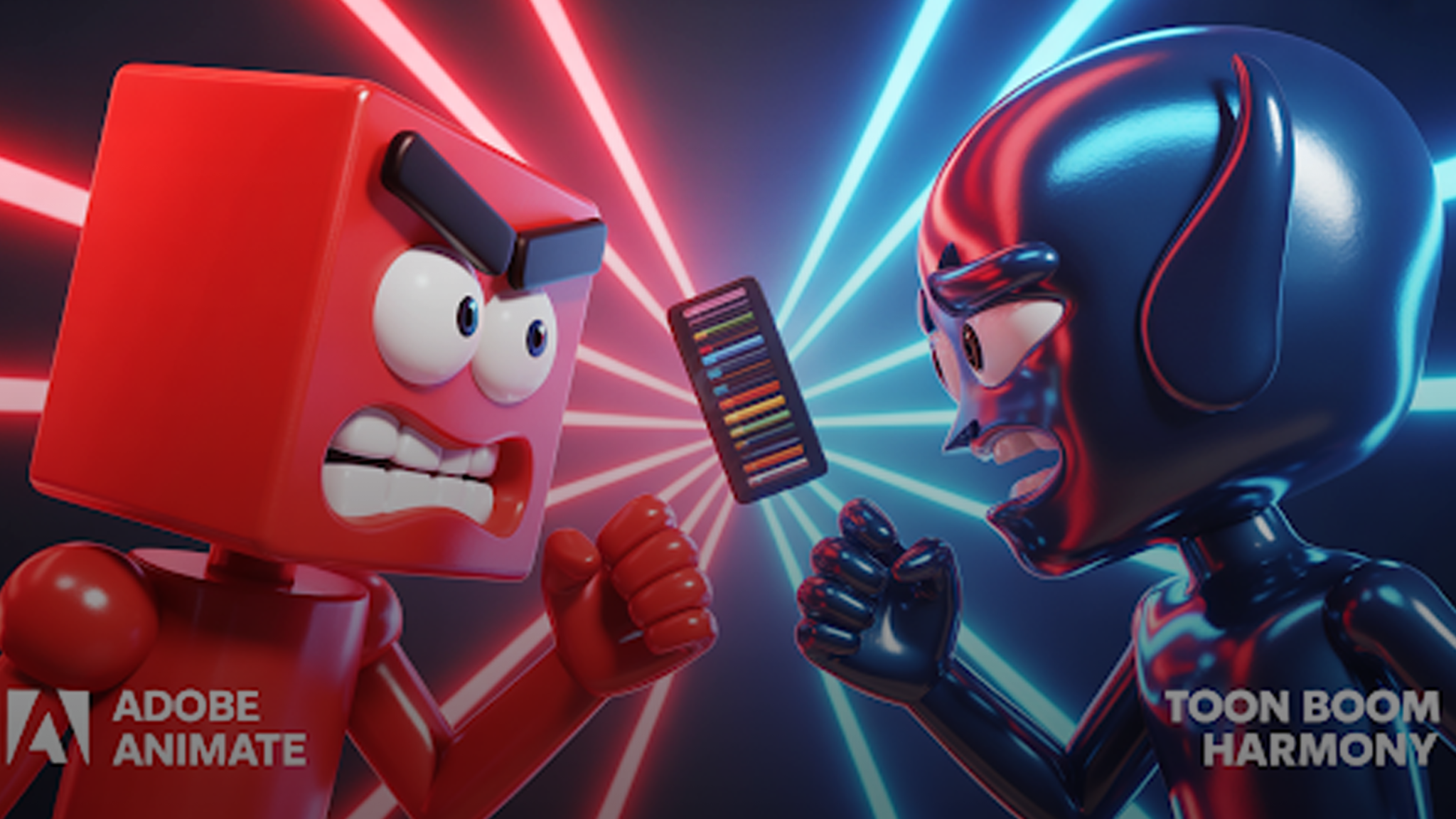
Picking the right software can feel like choosing between coffee and tea—both have their perks, and it really depends on your taste. Some tools are built for speed and flexibility, others for depth and control.
That’s exactly what we’re unpacking here. This blog lays it out plainly: no techy tangles, just real-deal insights. You’ll get a side-by-side look at Toon Boom Harmony and Adobe Animate—what they’re best at and how they handle the nuts and bolts of animation. By the end, you’ll know which one’s made for your style—and why it matters for your work.
Who Each Tool Is Built For
Toon Boom Harmony is the kind of tool studios swear by. It’s structured for pros, used in shows airing on Cartoon Network and Netflix. Harmony is the heavyweight—meant for long-form storytelling, character rigging, and polished sequences.
Adobe Animate, though? It’s the jack-of-all-trades. It’s for freelancers, creators, and teams building web-friendly animations, banner ads, or bite-sized videos. It’s fast, flexible, and beginner-friendly.
If your goal is to tell big stories, Harmony opens more doors. If you’re keeping it light and interactive, Animate has your back.
Getting Around the Interface
Harmony is deep—like opening the hood of a car. There’s power, but it takes a minute to understand what everything does. Node views, layers, deformers—it’s built for serious control.
Adobe Animate feels much more like plugging in and pressing play. If you’ve used Photoshop or Premiere, the interface will feel like a familiar cousin. Easy to pick up, flexible enough to run.
So if you’re learning your way through animation software, Animate keeps things friendly. Harmony asks you to commit—but rewards you with a pro-level edge.
Drawing & Rigging: Hand vs. Handle
This is where Harmony starts flexing. The drawing tools are clean. The bone systems are solid. And the deformers? Think of them like elastic bands that help your characters move with charm.
Animate holds its own but works best for simpler characters. You’ll find Asset Warp and shape tweens. These are fine for motion, but can get clunky with detailed work.
Want snappy, reusable rigs? Harmony has more muscle.
Animating Like a Pro: Frame, FX, and Flow
For frame-by-frame fans or studios crafting 2D animation from scratch, Toon Boom Harmony is the full buffet. Its onion-skinning, camera motion, and frame control tools let you pull off complex shots without skipping a beat.

Animate? It’s more like fast food. You can move quickly, build motion tweens, and create interactive content without the fuss. Great for web banners, product demos, or social reels.
Both can produce excellent work. But Harmony is where you go when polish and precision are non-negotiable.
Audio Syncing and Lip-Sync Workflow
Good animation needs solid sound. Harmony offers auto lip-sync features where you map phonemes to audio tracks. Less clicking, more animating.
Adobe Animate lets you do it too—but it’s all manual. You’ll be dragging mouth shapes frame by frame, unless you add third-party tools.
So if you’re creating animated characters that need to speak clearly and convincingly, Harmony gives you smoother control.
Effects and Compositing in Harmony vs. Animate
Toon Boom Harmony isn’t just about motion. It adds visual flavor—like shadows, glows, lighting, and particles—right inside the app. There’s no need to send files to After Effects. Your entire scene, polished and layered, stays in one place.
Animate falls a little short here. It handles basic transitions and movement, but when it comes to deep explainer videos or complex video ads, you’ll want to enhance the output in another program.
If you prefer keeping your pipeline simple and streamlined, Harmony saves you the shuffle.
File Formats, Resolution, and Web Compatibility
Both tools cover the basics: MP4s, image sequences, GIFs. But Harmony is built to handle high-res production and cross-software workflows like a champ.
Animate leans web-first. You’ll export to HTML5, SVG, and formats that play nicely in browsers and mobile environments. It’s the lightweight champ for digital platforms.
Let’s Talk Pricing
Toon Boom Harmony price starts at $25/month for Essentials, hits $64/month for Advanced, and tops out at $117/month for Premium. That last tier? It’s studio-level, made for teams.
Adobe Animate is around $21/month with Creative Cloud. And yes—you get Photoshop, After Effects, and more bundled in, which is great if you multitask across Adobe’s ecosystem.
So, for price vs. power? Animate is budget-friendly, while Harmony gives you more room to scale.
Performance and Setup Requirements
Animate loads faster. It’s lighter. It plays well with mid-range laptops and is ideal for remote work setups.
Harmony needs a bit more power, especially with larger files or longer projects. But if you’re producing at scale—or building animated sequences with complex layers—it won’t let you down.
Learning Curve and Community Help
Animate wins for ease. You’ll find tons of tutorials on YouTube, blog posts, community forums, and even TikTok.
Harmony takes more time to learn. But once you’re in, you’re working like the pros. The official training platform, Toon Boom Learn Portal, is full of deep guides. Plus, the user base—while smaller—is super dedicated.
For creators focused on designing a brand with a YouTube channel or building long-term content, Harmony’s deep features are worth the ramp-up.
Summary: Toon Boom Harmony vs Adobe Animate
So, Adobe Animate vs Toon Boom: which is better? Depends on your goals.
| Need | Best Choice |
| Quick, flexible animation | Adobe Animate |
| Professional 2D pipelines | Toon Boom Harmony |
| Interactive content | Adobe Animate |
| Studio-quality effects | Toon Boom Harmony |
| Lower cost | Adobe Animate |
| Broadcast-ready rigging | Toon Boom Harmony |
If your work leans casual or digital—ads, interfaces, light animations—Animate is plenty. If you want character depth, cinematic scenes, and layered storytelling, Harmony earns its price tag.
Not a Designer? Try animated-videos.local/
You don’t have to master every feature of Toon Boom or Adobe Animate to get incredible results. If you’d rather skip the hours of tweaking and go straight to production-level quality, animated-videos.local/ is a solid bet.
They live and breathe 2D animation, delivering content that sells, explains, and connects.
Whether it’s eye-catching video ads, high-converting explainer videos, or story-rich animated characters, they’ve done it all—and they know what works.
Want to skip the learning curve? Focus on your message while they bring the motion.
FAQs:
[sp_easyaccordion id=”7149″]
Wrap-Up
In the end, it’s not about which software is “better.” It’s about what works best for your kind of work.
Use Animate if you need something quick, flexible, and affordable. Use Harmony if you need something powerful, polished, and built for broadcast.
Or? Use neither—and hire pros who’ve already mastered both. With animated-videos.local/, your vision gets brought to life without the tech hassle.
Either way, your next frame is waiting. Make it count.