
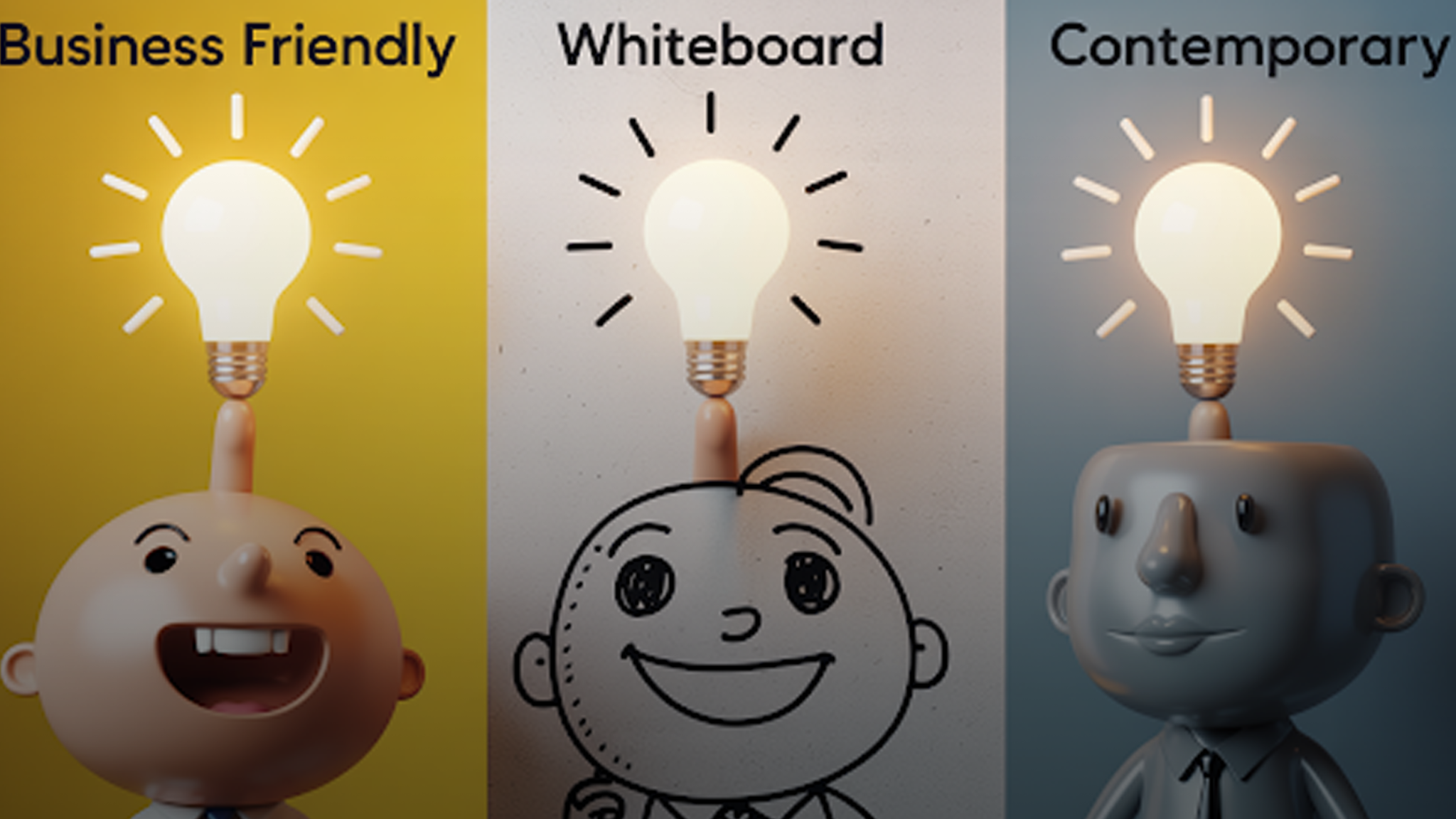
In a world where viewers decide within 5 seconds whether to stay or scroll the feed, grabbing attention has never been harder. As the time to capture interest shortens, choosing the right explainer video style is crucial for effectively showcasing your business.
If you’re unsure which style to pick, don’t worry – as a trusted animated explainer video production company, we help brands identify the perfect style that aligns with their goals. In this guide, we’ll explore the top 5 most effective explainer video styles, complete with examples, use cases, pros, and cons.
1. 2D Animation Explainer Videos
What Is It?
The most common animated explainer video style, 2D animation uses flat characters, icons, and vector graphics to tell a story. It’s highly customizable and works well across industries.
Best For:
- SaaS companies
- Startups
- Healthcare platforms
- E-learning & training
Example Use Case:
A SaaS platform explaining its cloud-based CRM features through animated dashboards and user journeys.
Pros:
- Budget-friendly
- Fully brandable
- Easy to update
- Works for complex topics
Cons:
- Limited visual depth compared to 3D
For a full breakdown of why SaaS companies thrive with 2D animation, visit our explainer video services page and learn how our explainer video production process ensures every frame is crafted to convert.
2. Motion Graphics Explainer Videos
What Is It?
Motion graphics combine animated text, icons, charts, and infographics to visually explain data-heavy topics. There are usually no characters, making it sleek and corporate-friendly.
Best For:
- Financial services
- SaaS analytics tools
- Healthcare data platforms
- Enterprise solutions
Example Use Case:
A fintech company using dynamic bar charts, graphs, and animated icons to explain investment returns.
Pros:
- Ideal for data visualization
- Professional corporate tone
- Quick turnaround
Cons:
- Less emotional appeal due to absence of characters
For brands comparing motion graphics vs other explainer video styles, our blog on choosing the right explainer video company provides a detailed decision-making framework.
3. Whiteboard Animation Explainer Videos
What Is It?
Whiteboard animation simulates the experience of hand-drawn illustrations being sketched in real-time on a white background. It’s educational, simple, and highly effective for step-by-step explanations.
Best For:
- Educational content
- Medical procedures
- Compliance & training modules
- Nonprofits and NGOs
Example Use Case:
A healthcare nonprofit explaining how vaccines work using simplified hand-drawn diagrams.
Pros:
- Highly educational
- Low production cost
- Great for serious topics
Cons:
- Less dynamic visually compared to full animation
Whiteboard animations are often used by businesses that recognize the 10 signs your company needs an explainer video, especially for training and onboarding materials.
4. 3D Animation Explainer Videos
What Is It?
3D animation uses depth, textures, and realism to showcase products or processes from every angle. It’s perfect for physical products, manufacturing, or medical devices.
Best For:
- Product demonstrations
- Architectural walkthroughs
- Medical simulations
- High-end SaaS platforms
Example Use Case:
A medical device company showcasing how their equipment operates internally, using photorealistic 3D renderings.
Pros:
- High visual impact
- Ideal for physical products
- Extremely detailed
Cons:
- Higher production cost
- Longer delivery timelines
If you’re weighing between 3D or other formats, our comparison of animated explainer videos vs live-action offers insight into what works best for product-driven industries.
5. Hybrid (Live Action + Animation) Explainer Videos
What Is It?
Hybrid videos blend live-action footage with animated overlays or transitions. This format combines emotional relatability with visual clarity.
Best For:
- Testimonials & case studies
- SaaS onboarding with real users
- Healthcare patient journeys
- E-commerce product reviews
Example Use Case:
A startup combining founder interviews with animated feature callouts over real product footage.
Pros:
- Builds trust with real faces
- Allows animated callouts to clarify features
- Engaging visual variety
Cons:
- More complex production coordination.
How to Choose the Right Style for Your Brand
Choosing the perfect explainer video style requires evaluating:
- Target audience (B2B, B2C, technical, emotional)
- Message complexity
- Budget and timeline
- Where the video will be used (website, social media, ads, training)
For businesses still deciding where to start, refer to our comprehensive guide on explainer video production to better understand timelines, revisions, and creative processes.
Why Businesses Trust animated-videos.local/
As a Canada-based animated explainer video company, animated-videos.local/ offers:
- Fully customized video production
- Expertise across multiple animation styles
- Industry-specific storytelling
- Affordable packages for startups, SaaS, healthcare, and enterprise clients
Schedule a free consultation to explore which explainer video style is right for your next project.
🔎 FAQs – Explainer Video Styles
[sp_easyaccordion id=”7093″]